Dashboards
Falcon translation dashboard
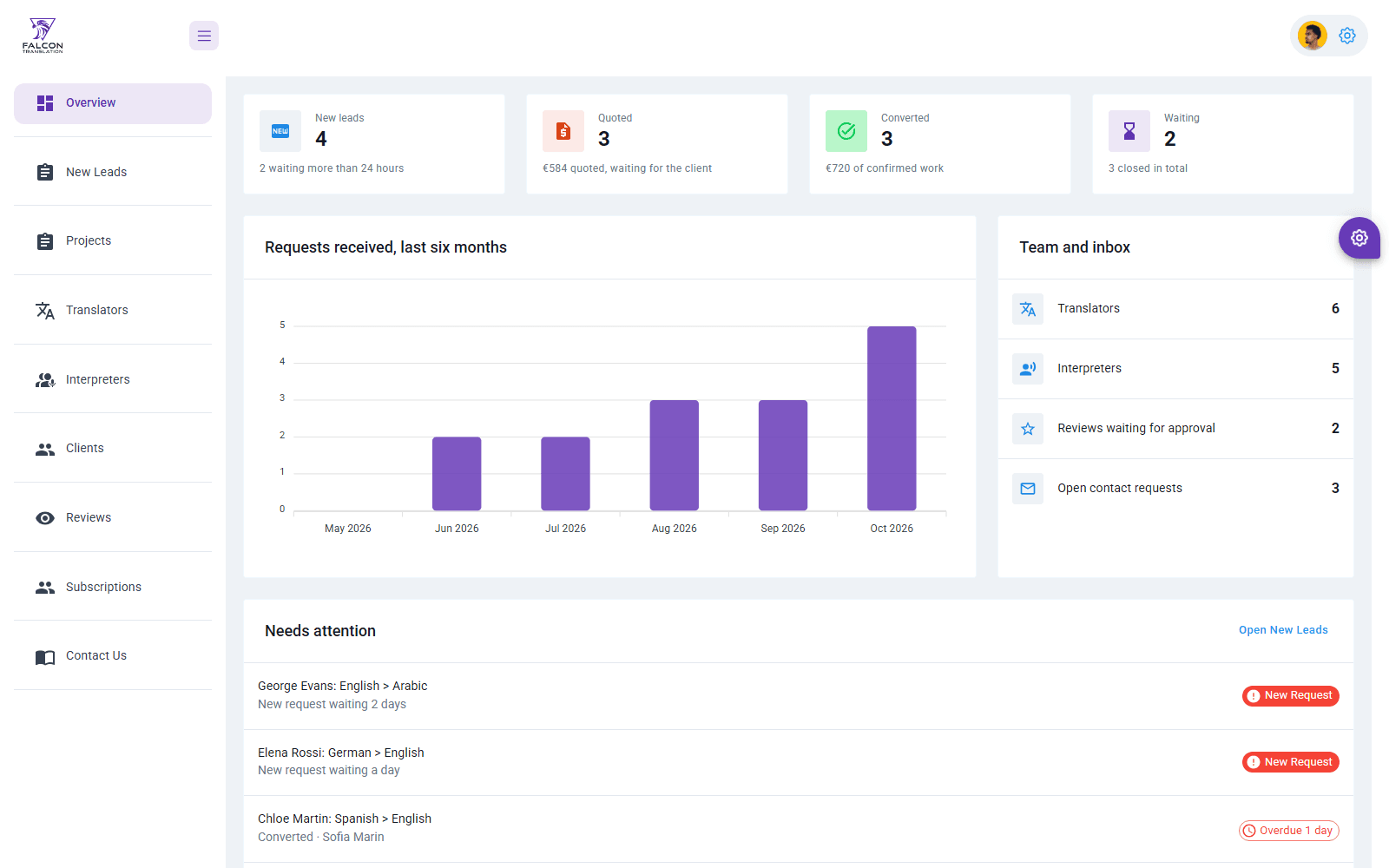
An operations dashboard for a translation agency: an overview of the pipeline, new leads, projects, translators, interpreters, clients, reviews, contact requests and newsletters.
Context / scope
Overview and scope
Falcon is a translation and interpreting agency. The dashboard is the staff's internal tool for turning website requests into quoted, assigned and delivered jobs.
It is a Create React App project on a Berry-style MUI admin template, working against the agency's Node API.
A small operations team needs to see new requests as they arrive, follow up quotes before they go cold, give each job to a translator who covers the language pair, and keep on top of reviews and contact messages.
Front-end developer who took over an existing dashboard: 33 of its 43 commits, November 2024 to January 2025, adding the subscriptions and contact modules, the new-lead flow, delete confirmations and date formatting. The template, the first screens and the API were built by other developers.
Results
- No business figures were recorded, so none are claimed. Names, emails, prices and dates in the captures are sample data.
Interface / screens
Walkthrough
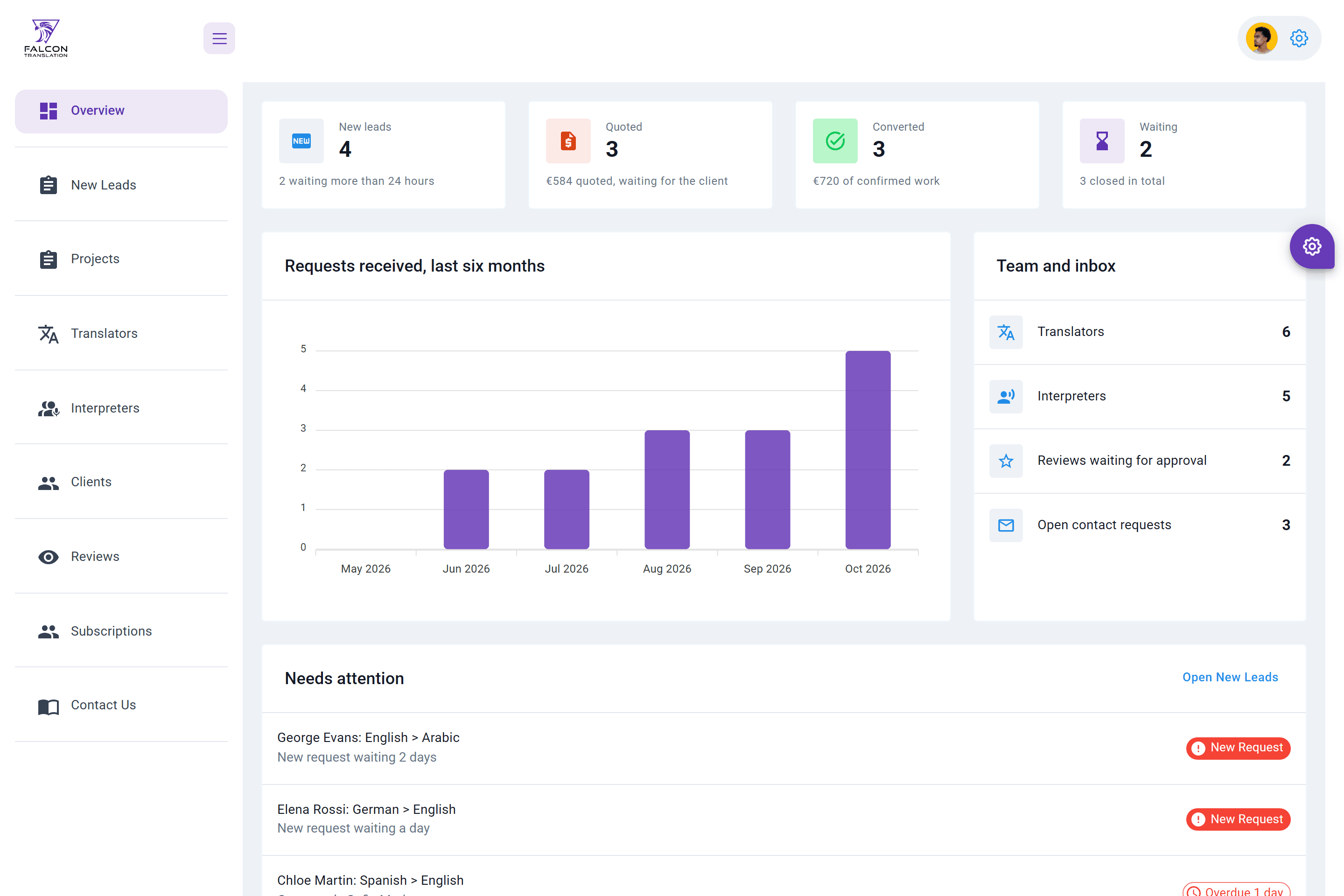
Screen 1 of 9: Overview. Real interface, sample data.
Responsive and states
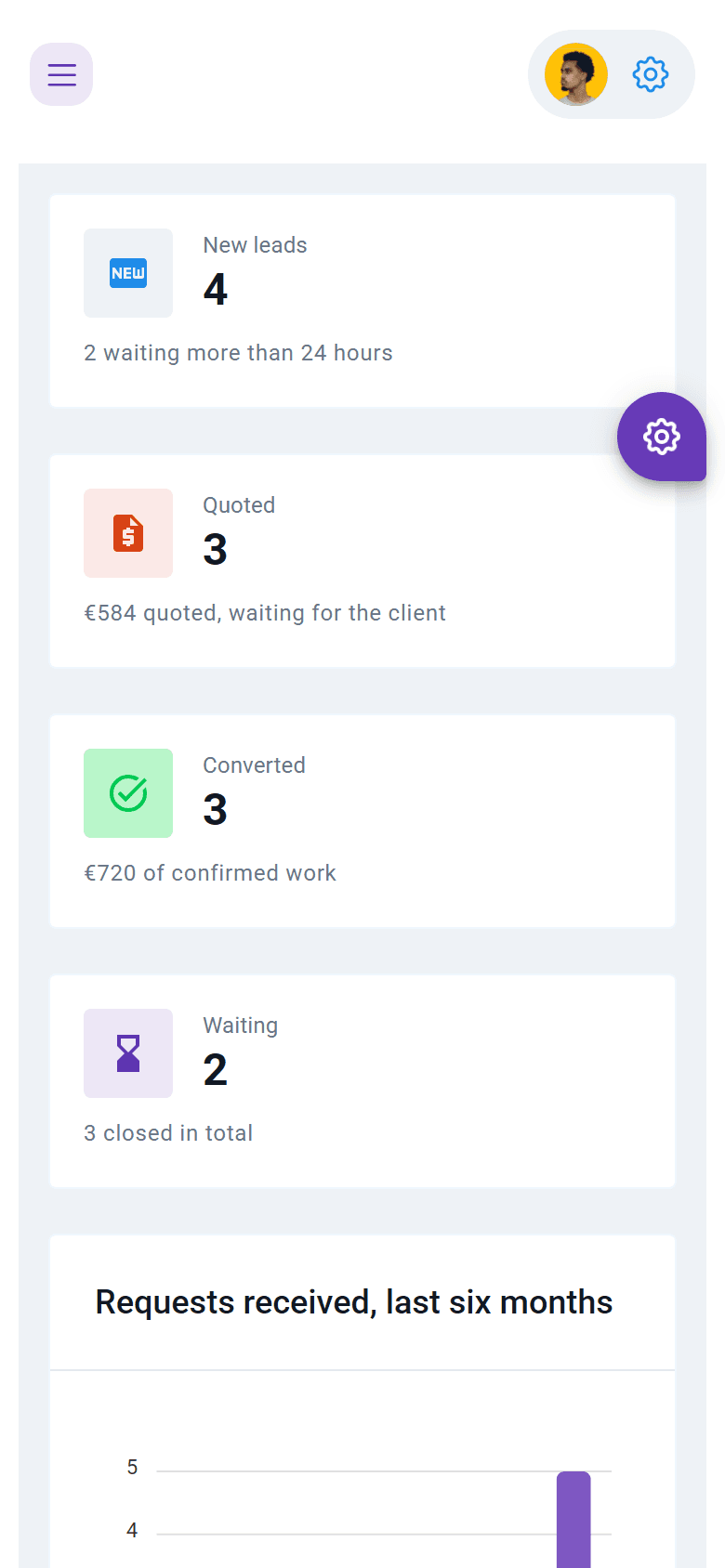
Screen 1 of 1: Overview on a phone. Real interface, sample data.
Behaviour / flows
Features and flows
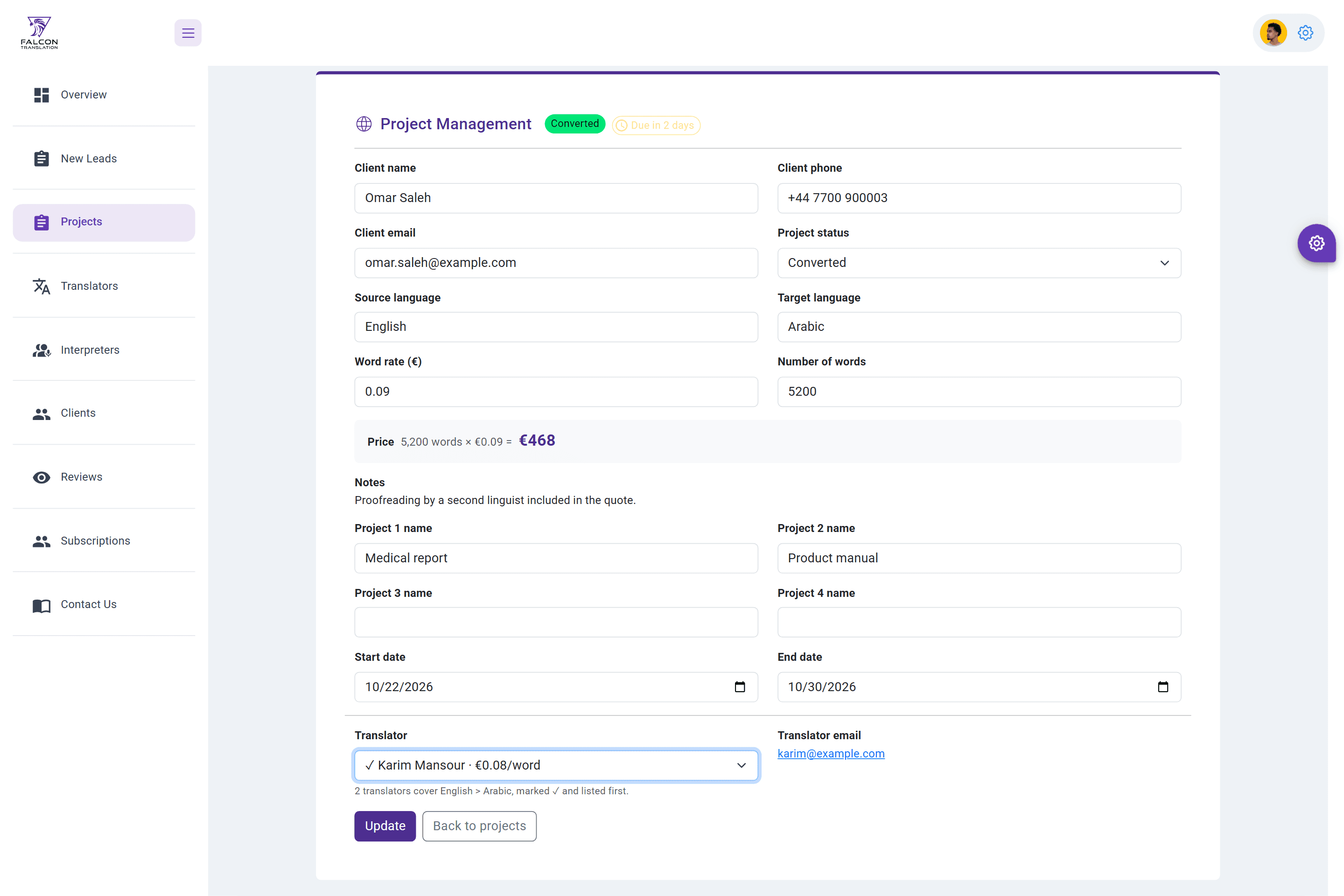
Lead to project: a website request appears as a new lead, gets its words, rate and dates on the edit page and a translator who covers the pair, then moves from Quoted to Converted, Waiting and Closed.
Follow-up: the overview and the status tabs show stale leads, old quotes and projects due soon, each one click from its edit page.
Inbox: contact requests are marked as handled, reviews are approved for the website, and subscribers receive a newsletter.
The pipeline at a glance
- The overview counts new leads and quoted, converted and waiting projects with their value, and lists what needs attention: leads waiting over a day and projects due soon or overdue.
- A chart shows requests received per month, and a side panel counts translators, interpreters, reviews to approve and open contact requests, each linking to its list.
Leads and projects
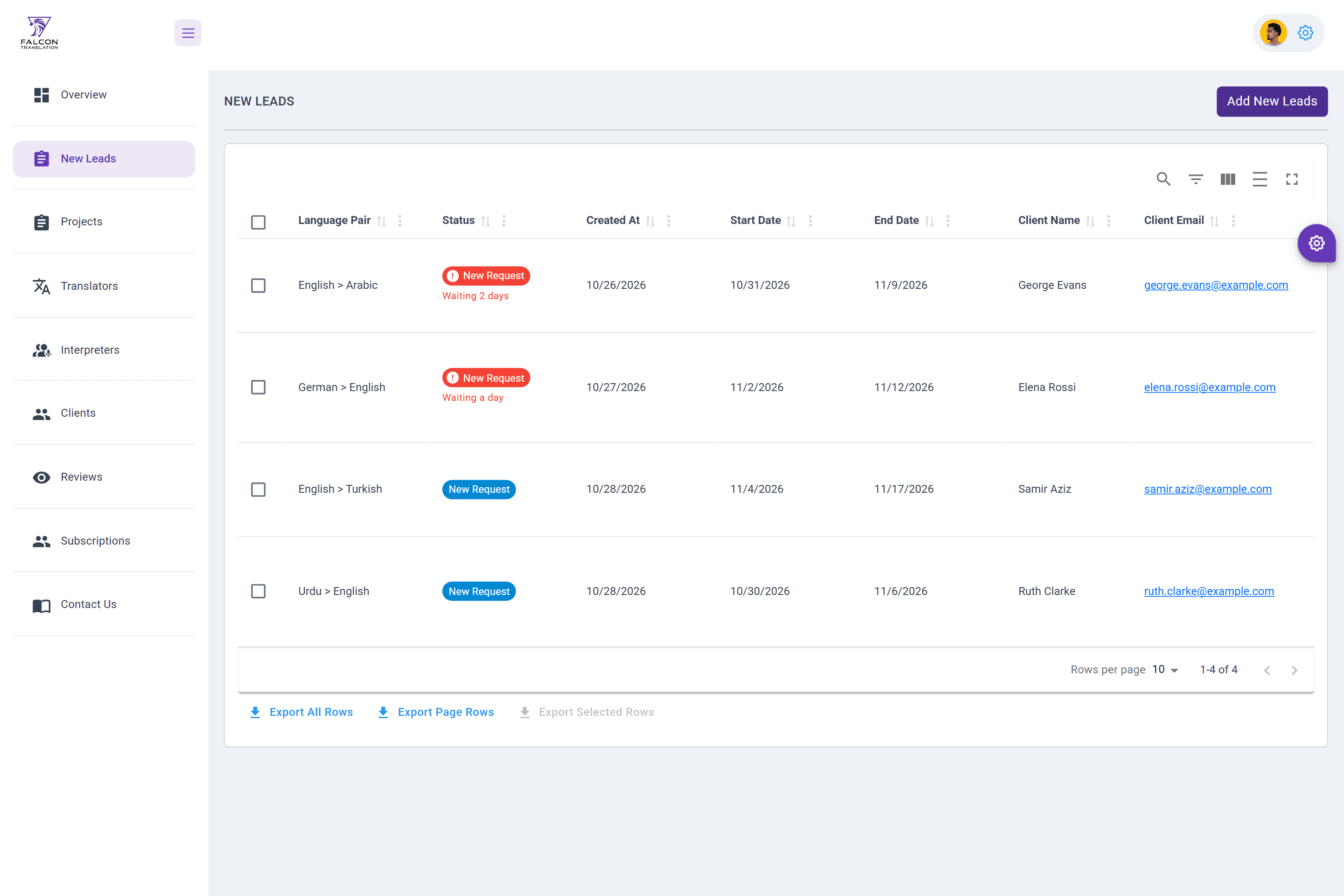
- New leads show how long each request has waited and flag the ones queued for more than 24 hours.
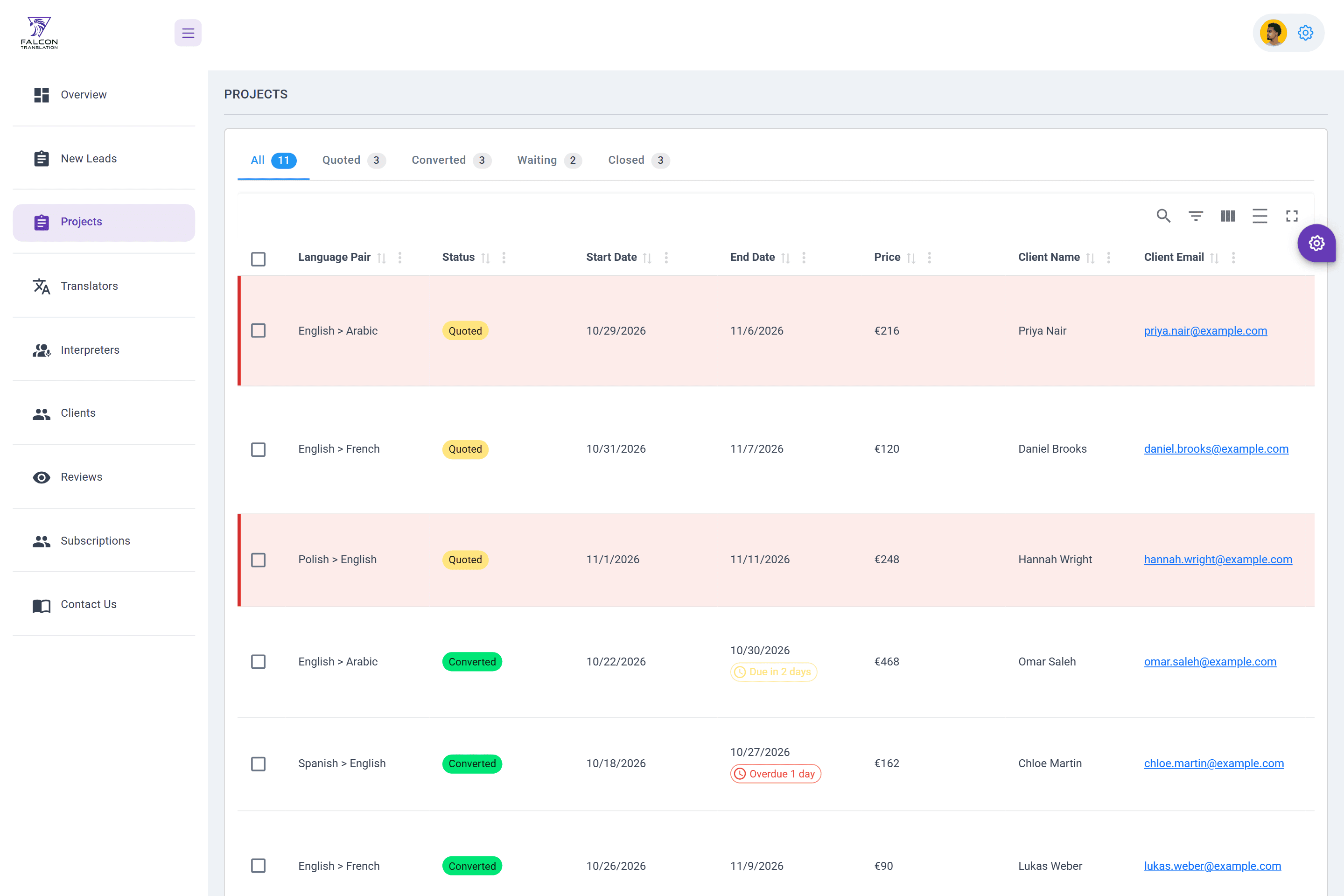
- Projects filter by status with counts, show the price, and mark quotes untouched for a day and projects due within 3 days or overdue.
- Editing a project keeps its status, lists the translators who cover its language pair first with their rates, and shows the price as words times rate.
People and inbox
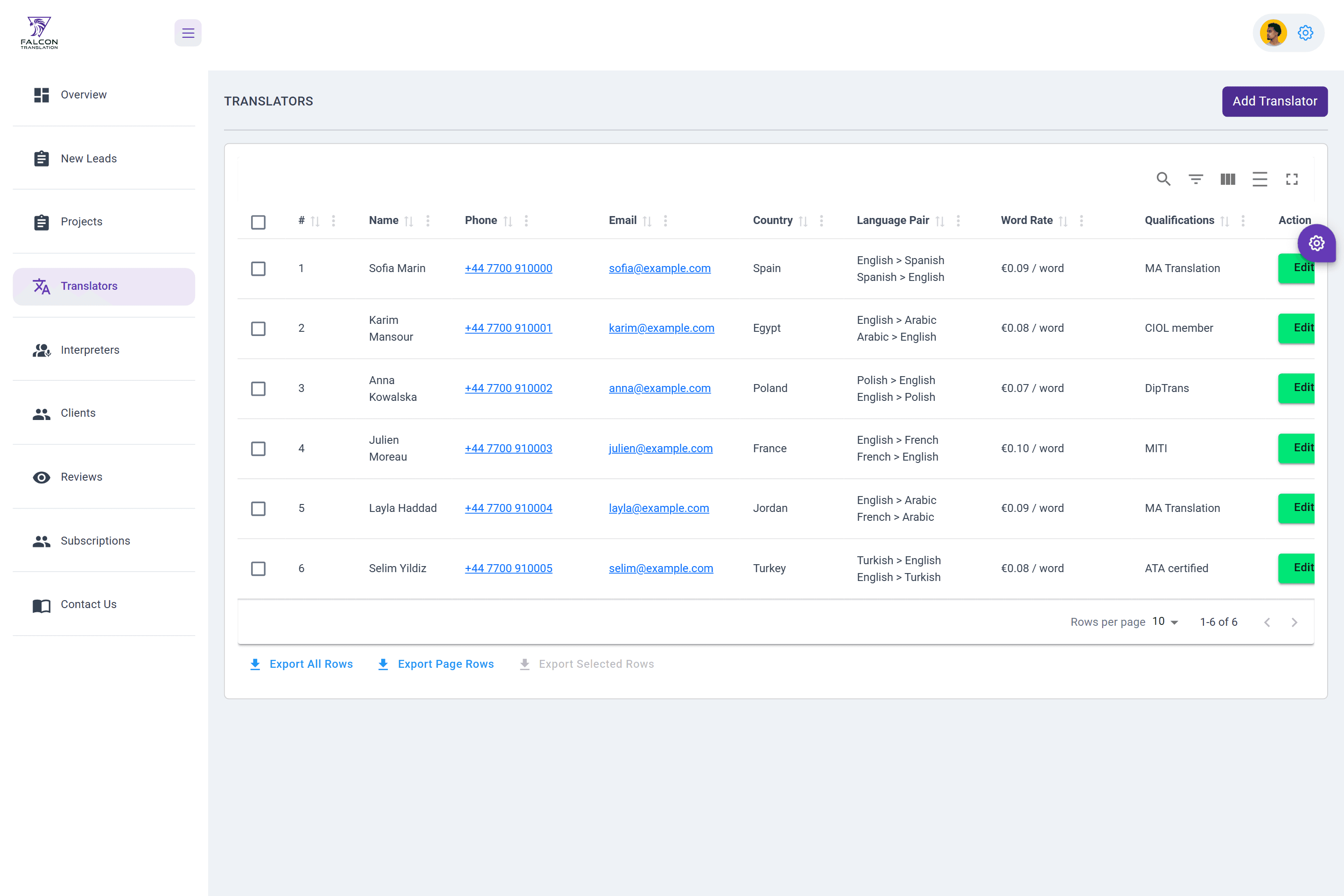
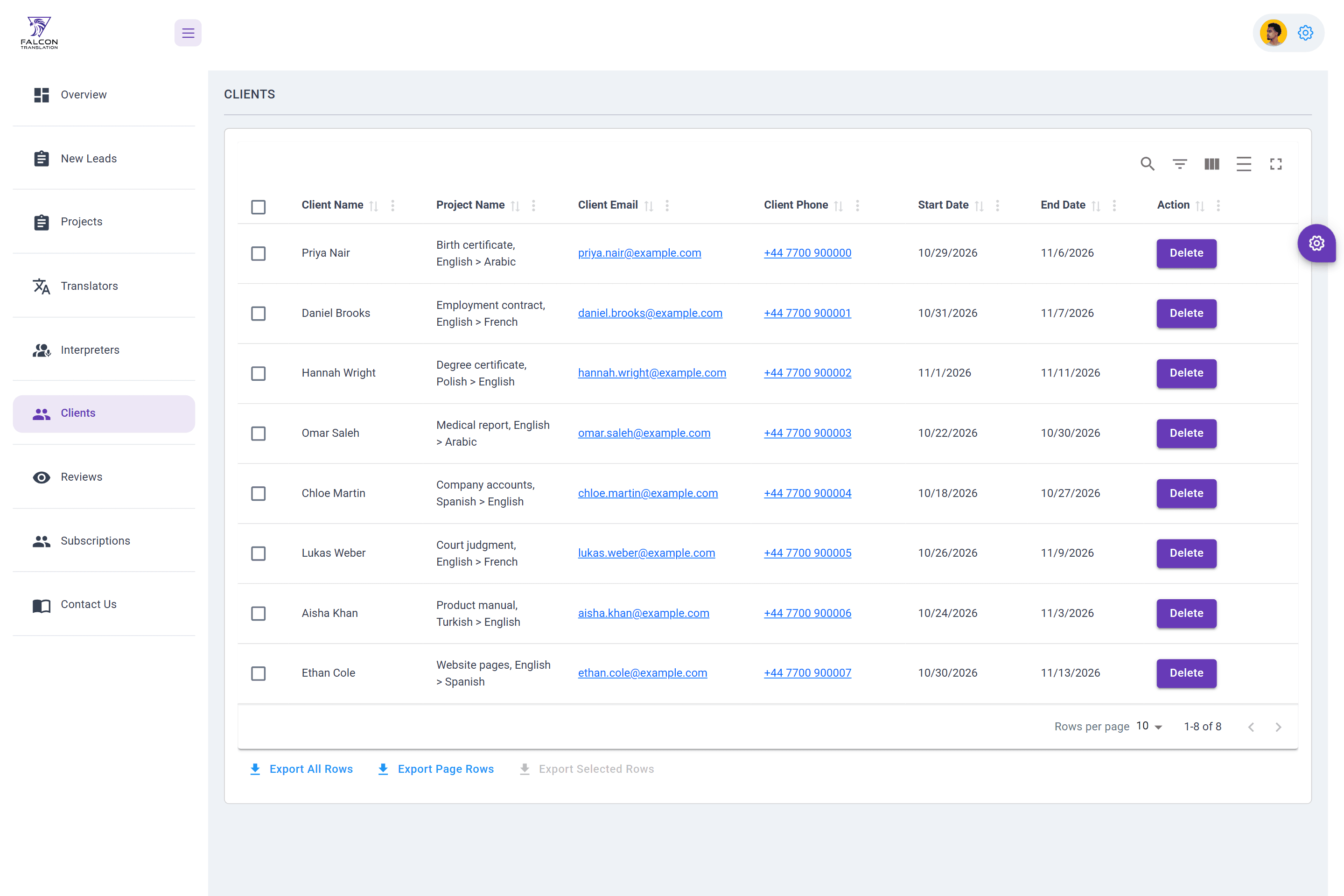
- Translators and interpreters list their language pairs and their rates per word or per hour; clients show their project and its dates.
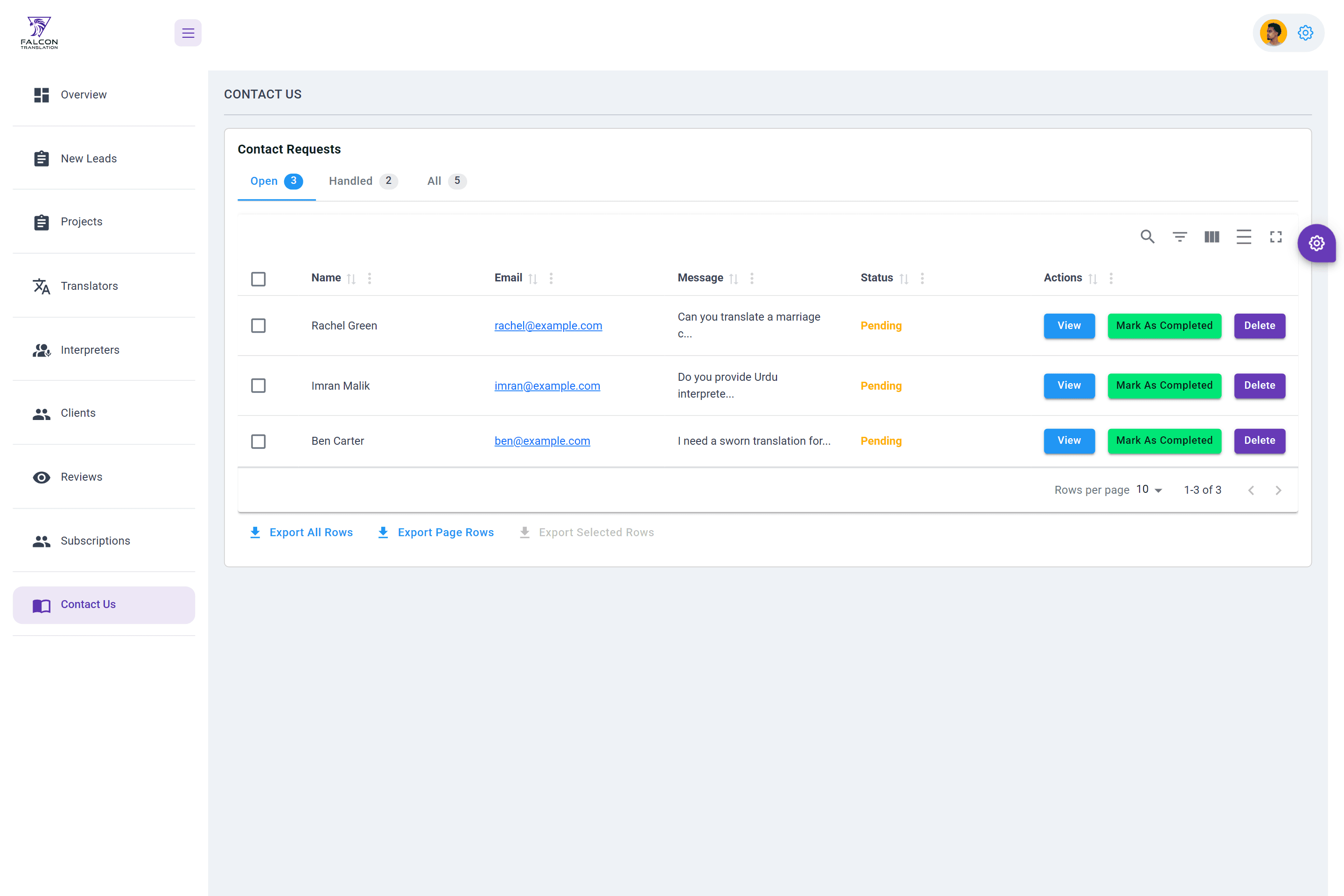
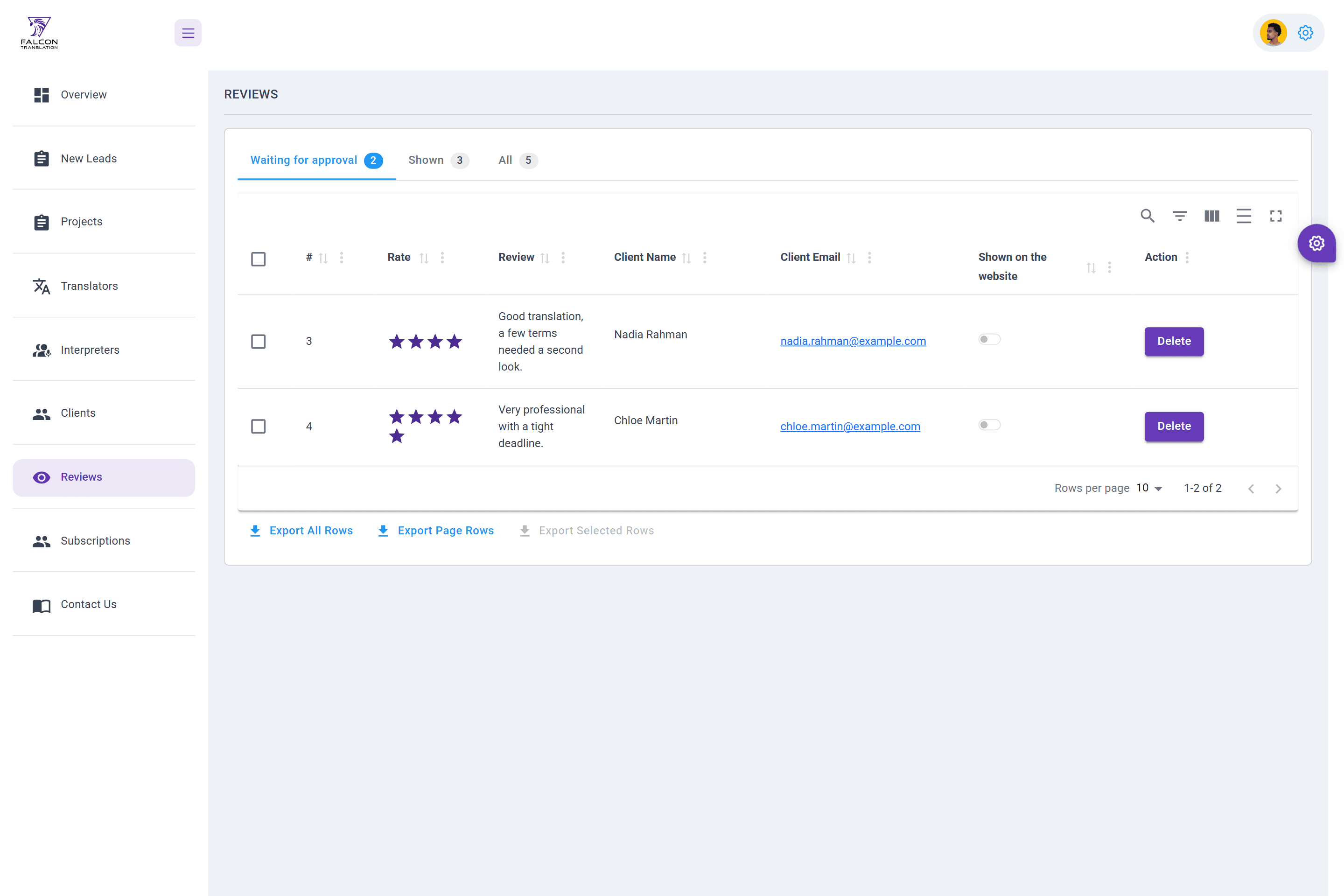
- Contact requests split into open and handled, and reviews into waiting for approval and shown on the website, each with a count.
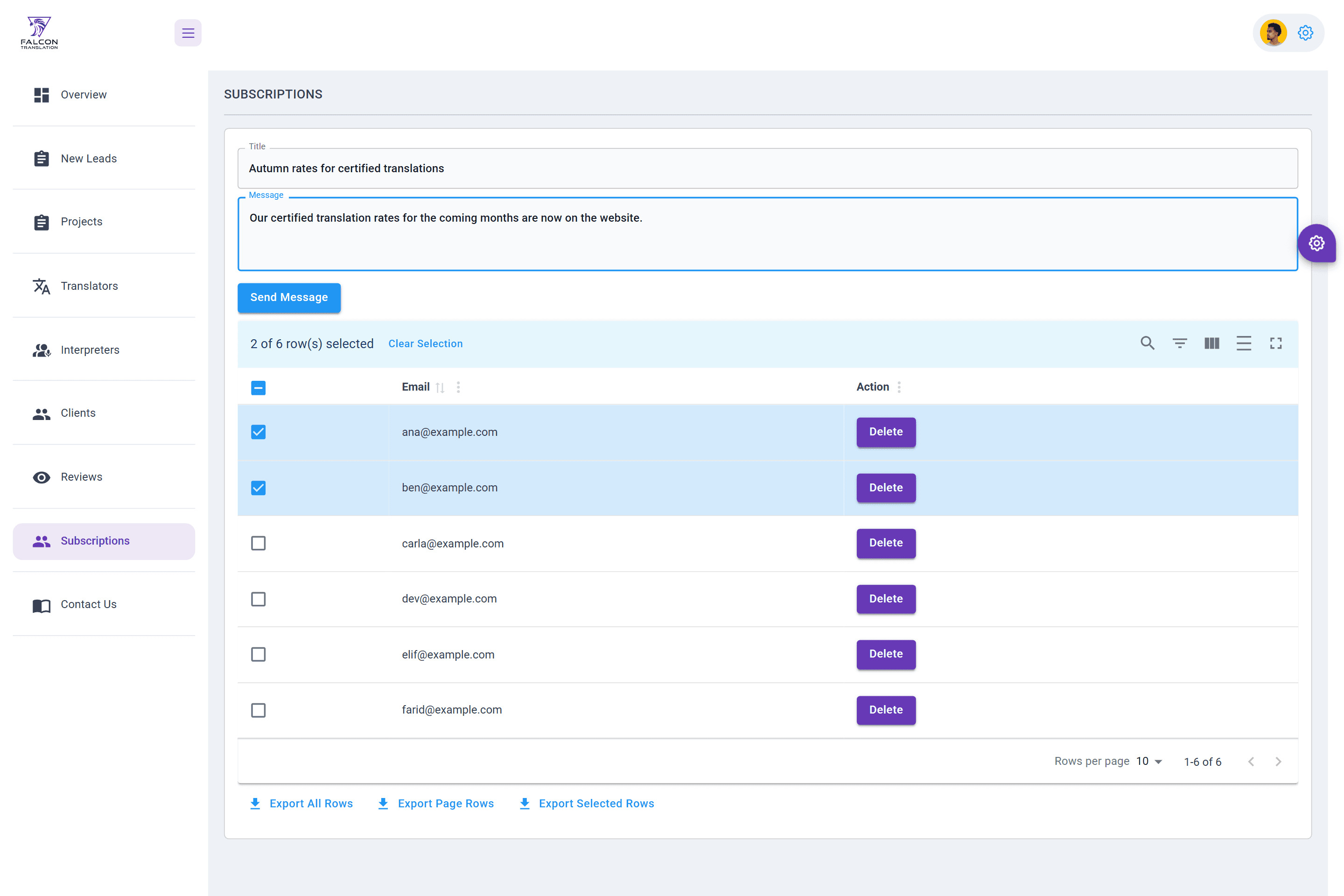
- A newsletter goes to the selected subscribers with a title and a message.
Every table
- Search, sorting, filters and paging, with export of all rows, the current page or the selected rows to CSV.
- Deleting asks for confirmation first, and a failed request shows the server's message.
Engineering / decisions
Architecture and decisions
Status reads the same everywhere: a coloured chip for each status, red for a lead that has waited more than a day, and outlined chips for due soon and overdue.
Filters are tabs with counts above each table, so the size of each queue is visible before it is opened.
The overview uses the template's MUI cards, and every figure links to the list behind it.
One API client
Every view calls one client whose address comes from the build environment. It adds the saved token to each request, and a 401 signs the user out. Before, each view called the production host itself.
Built on the existing endpoints
The overview, status tabs, due dates and translator matching work on lists the API already returns, so none of them needed a backend change.
One set of status rules
One module defines the statuses, the 24-hour and 3-day rules and the language-pair match, so the overview, the tables and the edit page always agree.
Menus as data
Each module is a menu definition (id, title, route, icon), so adding a module means one definition and one route; the highlighted item follows the router's current route.
Limits / notes
Known limitations
- Real-time notifications through Socket.IO were started in the code but are not switched on.
- The captures run the real production build against a local stand-in for the API with sample data; the production API was never called.
Stack / tools
Technologies
- React
- MUI
- material-react-table
- React Router
- Axios
- ApexCharts
- Day.js